How to Actually Work With the New AI Coding Models
Most people are using the new coding models wrong. Not a little wrong. Completely wrong.
The new generation can do things the last one couldn't. Clear a backlog that's been sitting for weeks. Run for hours unsupervised and hand back work that's actually good. Do it for a fraction of what you'd expect to pay. But only if you stop treating it like the tools you used six months ago.
That's the mistake. If you take the prompts that worked before and paste them into a new model, you get a slightly better version of the same thing. That's not what these models are for anymore. They can go further, not just do the same job a bit better, and the way you work with them has to change to match.
Here's what that looks like. This applies whether you're building with an AI coding tool, using an agent inside your no-code stack, or just trying to get more out of the tools you already pay for.
Stop maxing out the reasoning setting
This is the first thing, and it's the one that saves you the most money.
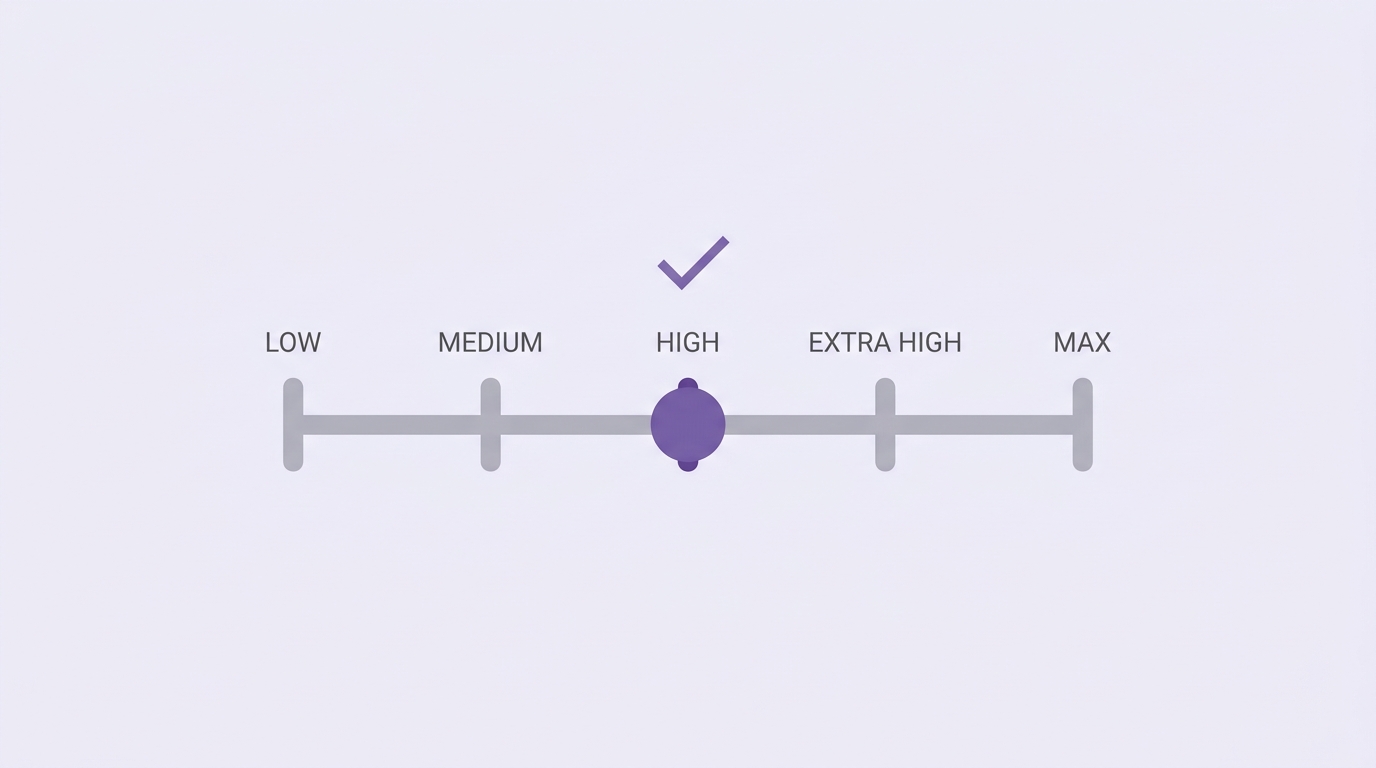
Most of these tools let you pick a reasoning level. Low, medium, high, and then some tempting options above that with names like "extra high" or "max." Those top options look like the smart choice. They are not.
High is the sweet spot. The higher settings second-guess themselves. They run in loops, think too hard about simple steps, and hand you overbuilt output that changes far more than you asked for. It costs more and the result is often worse.
The reasoning level does not control how long the model can work. It controls how hard it thinks per step. A big task has hundreds of steps, and most of them are simple. You don't need deep reasoning on all of them. So leave it on high and stop touching it. Almost everyone who complains about burning through their limit is running one of the maxed-out settings.
That one change can cut your bill in half.
Let the smart model manage the cheaper ones
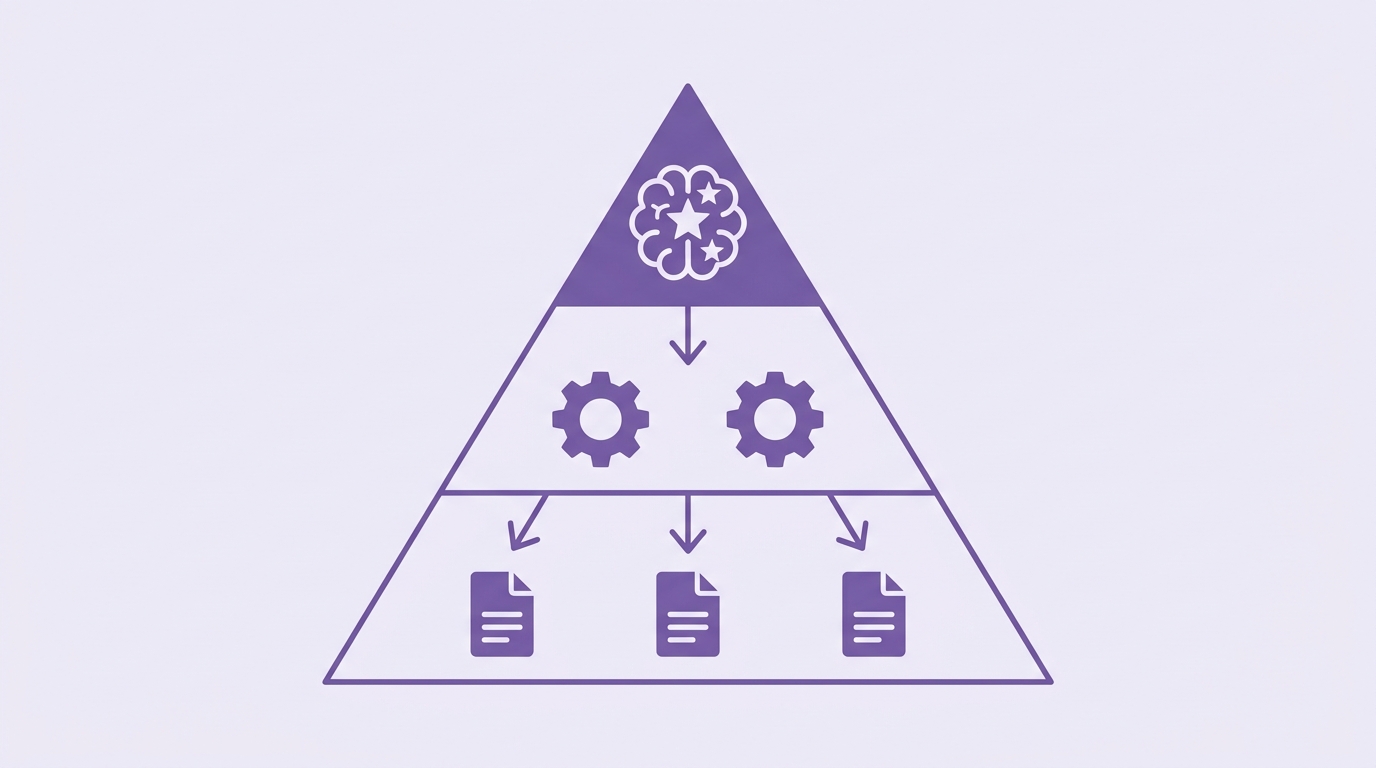
You don't have to run everything through the most expensive model. The best setup uses a smart model as the manager and cheaper models as the workers.
The idea is to hand off the jobs that eat tokens but don't need much judgment. Reading long documents, sorting through data, running checks, processing files. The smart model decides what to keep for itself and what to pass down.
For a no-code founder the version of this is simpler. Use the cheap model to draft, extract, and process. Use the expensive one to review, design, and make the calls that matter. Don't pay premium rates for grunt work.
Write down what you mean
The single most useful thing you can do is give your model a glossary.
Models understand words differently than you do. When you say "clean" or "simple" or "good," the model fills in its own meaning, which may not be yours. So write it down. Tell it what you mean by the words you use most.
Say you care about "quality." Define it. Quality is design that a human would actually ship, copy that doesn't read like a robot wrote it, and choices that match how you'd do it yourself. Once you spell that out, the model stops guessing and starts matching what's in your head.
This works for any instruction you find yourself repeating. The style you like. The tools you default to. The way you want things structured. Put it in a config file or a saved instruction set and stop retyping it every session.
Give the model real permission, but keep a wall up
This is where it gets interesting, and where most people are too cautious.
The unlock is telling the model to keep working until a whole list of tasks is done, then letting it run. Not one step at a time with you approving every move. A full stretch of work while you go do something else. When you come back, most of it has landed.
That sounds reckless. It doesn't have to be. The trick is where you let it work. Give it a safe copy to build on, a test account, a draft version, a sandbox, and take away its ability to touch anything live. A human still has to approve the final step before it reaches a customer. So the model gets a big playground and zero ability to break anything real.
That's the setup to copy. Room to work unsupervised, plus a wall between the model and your customers. You get the speed without the risk of it publishing something you never checked.
Read the output, and use the timing as a signal
You still have to think. The model doing the work does not mean you stop paying attention.
One trick worth stealing: watch how long a task takes. A fix that lands in a couple of minutes was probably simple, and you can trust it. A fix that takes an hour is telling you something. Either the problem is harder than you thought, or your setup has a mess in it that needs a real look.
The time a model spends is a map of where the good and bad parts of your work live. Fast means simple. Slow means dig deeper.
And when you're not sure about something, ask the model. It sounds obvious. Most people don't do it. You'll get more clarity from asking "do we even still use this?" than from guessing.
Adapt everything, copy nothing
The last point matters more than any single tip.
Don't copy someone else's exact setup and paste it into yours. It's tempting, but you'll end up scared to change anything, and you'll never learn how it works. The founders who get the most out of these tools are the ones who aren't afraid to edit the thing that's running.
Take the ideas here and rebuild them for your own work. Screenshot this, hand it to your model, and say "help me set up something like this for what I do." Then change it. Break it. Fix it.
That's the whole shift. These models can go further than the last ones, and the founders who win with them are the ones who set up the guardrails, hand over real work, and stay smart about what they check.
Related guides
GPT-6.1 Sol vs Claude Sonnet 5.5: which model for your builds
Two cheap frontier models landed within a week. Here is where each one wins, and how to switch without breaking your automations.
Jev explained simply: when to use it instead of ChatGPT
A plain-English guide to Jev, TypeSafe's new decision model: what it does, the jobs it handles better than an LLM, real examples from the first two weeks, and how to add it to a no-code workflow.
Stop using humans to run your Google Ads
A practical eight-step guide to setting up Betatron, the AI agent that builds and runs Google Ads campaigns inside your own account.