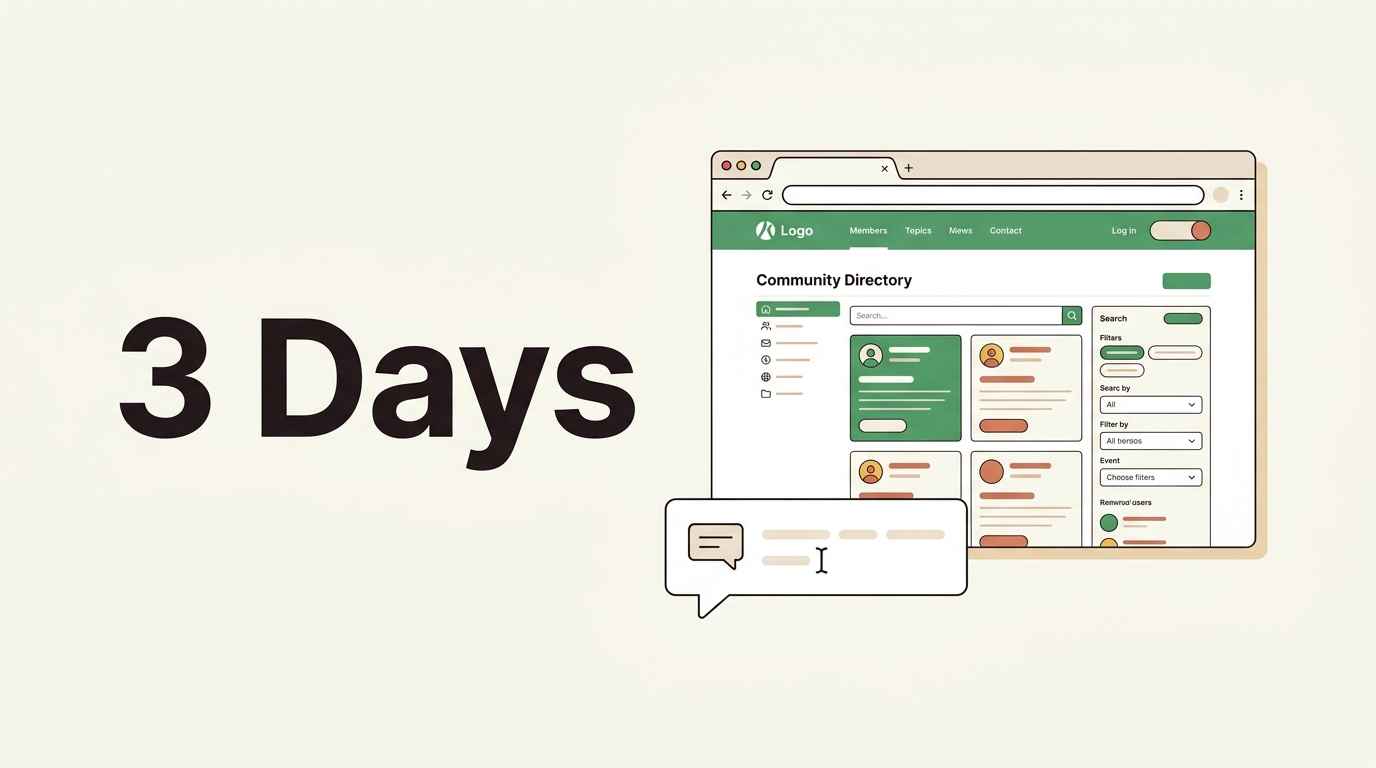
How We Rebuilt the NoCodeFounders Website in Three Days
The NoCodeFounders website had been running on Bubble for about two years. It worked. Members could log in, browse tools, claim deals. But behind the scenes, things were getting harder to manage.
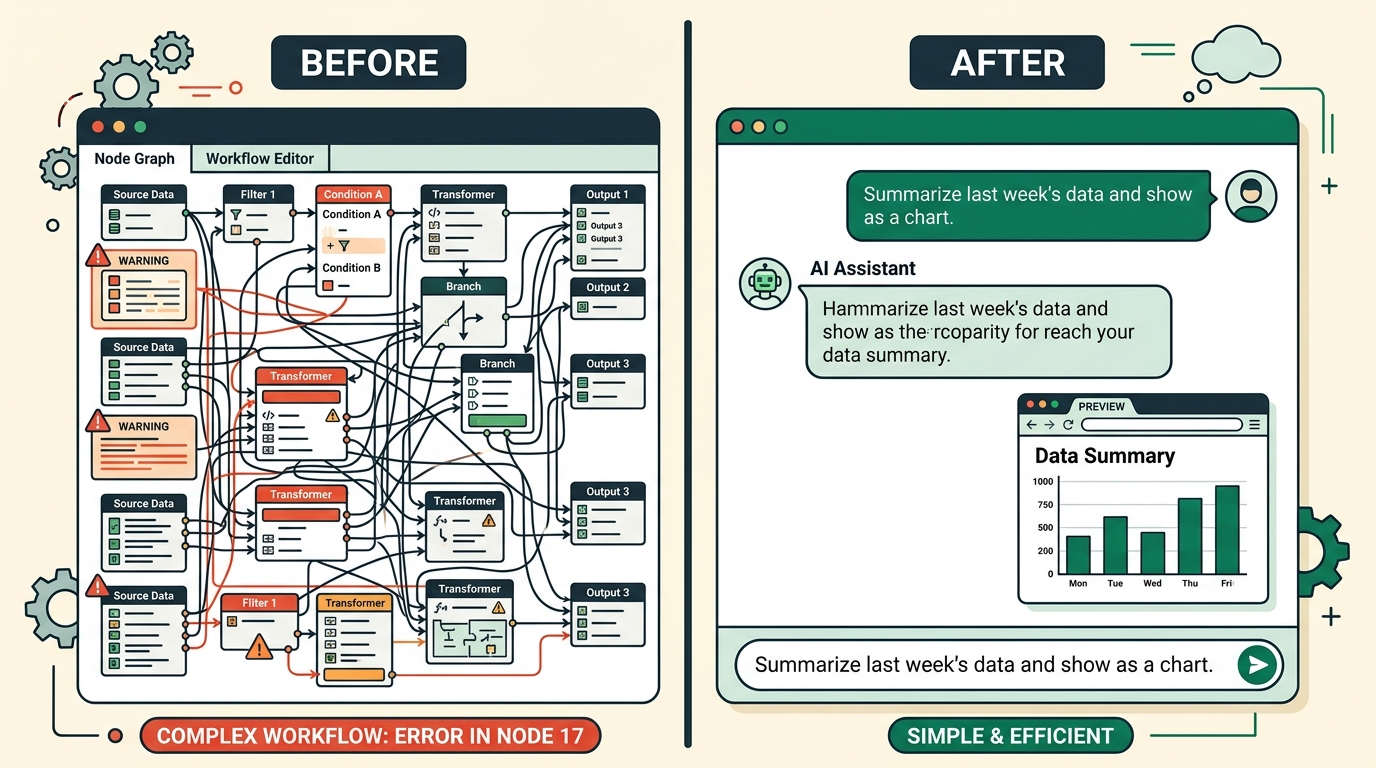
Performance was slow. Making small design changes required navigating Bubble's visual editor, which had grown complicated over time. SEO was patchy. And every time we wanted to add something new, the effort felt disproportionate to what we were adding.
We had been watching tools like Macaly closely. The pitch is simple: describe what you want to build, and the AI builds it as a proper Next.js application. Not a template. Not a drag-and-drop layout. Actual production code, with a real database, real auth, and real deployment.
We decided to test it properly. Not a demo, not a side project. We rebuilt the entire NCF community site from scratch, using Macaly as the primary builder.
Here is how those three days went.
Why we left Bubble
Before getting into the rebuild, it is worth being honest about what drove the decision.
Bubble is a strong product for certain use cases. If you need to build a complex internal tool or prototype a multi-sided marketplace quickly, it is hard to beat. But over time, our use case had evolved.
We needed the site to perform well in search. Bubble's SEO capabilities had improved, but server-side rendering and clean semantic HTML are still not its strengths. We also wanted the site to feel fast on mobile, and Bubble apps can feel sluggish if you have not optimised meticulously.
The biggest friction, though, was maintenance. Bubble's editor is powerful but dense. Adding a new page type, tweaking a layout, or updating a data structure always felt slower than it should. We had built enough in Bubble to know its patterns, but that knowledge still required effort to apply.
We wanted something where the gap between "I want this" and "this exists" was much smaller.
The plan going in
Before starting, we mapped out everything the site needed:
- Tools directory — a searchable, filterable list of no-code and AI tools, each with a full detail page, pricing info, deal codes, and linked guides
- Deals section — discount codes for community members, with tracking to prevent overuse
- Guides — long-form content indexed by tool and topic, seeded from our newsletter archive
- Auth — magic link email login, no password required
- Payments — Stripe integration for paid tool listings ($149 per listing)
- Admin panel — for managing tools, guides, deals, and newsletter submissions
- SEO — clean URLs, metadata, sitemaps, structured data
That is a reasonably full-featured community site. Not a simple landing page.
Day 1: Structure and foundations
The first day was about getting the bones right.
We started by describing the overall architecture to Macaly: a community site for no-code founders, with a tools directory as the core feature. From that prompt, Macaly scaffolded the initial project structure, database schema, and navigation.
The tech stack it chose was Next.js with Convex for the database. That meant server-side rendering out of the box, a real-time database with typed queries, and deployment handled entirely by the platform. No configuration required on our end.
By the end of day one, we had:
- A working homepage with a hero section and tool category navigation
- The tools directory with basic filtering by category and pricing type
- Individual tool pages with a consistent layout
- A global header and footer with correct links
- A Convex database schema covering tools, deals, guides, and users
The schema took a few iterations. Macaly's first draft was reasonable but needed adjustments — for example, we wanted deals to track redemptions per user, not just have a static code. We described what we needed and the schema was updated correctly.
Day 2: Features and data
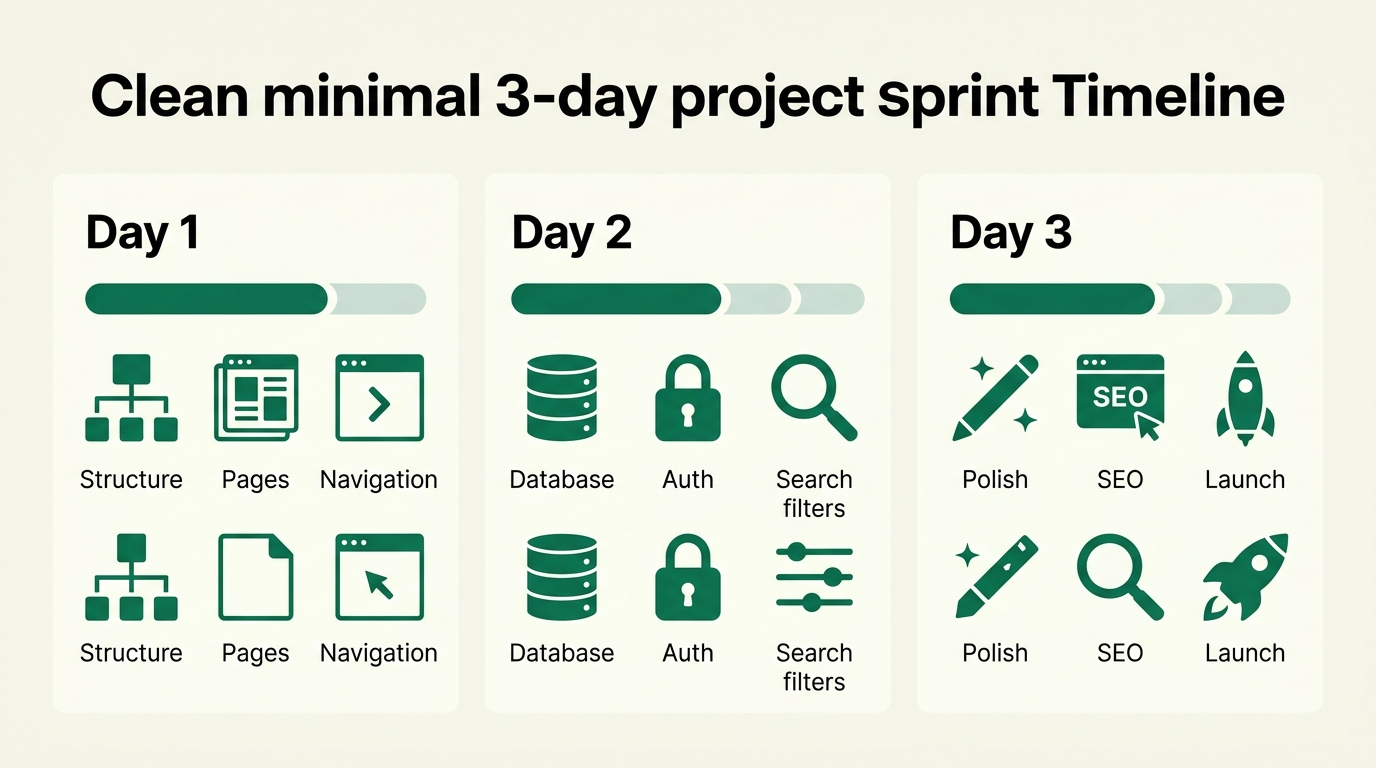
Day two was where the real product work happened.
Auth — We asked Macaly to add magic link authentication. It implemented OTP email auth using Convex Auth, with a login page, a redirect flow, and session persistence. The whole thing worked correctly first time, which surprised us.
Deals and redemptions — We needed deal codes to be hidden until a logged-in user clicked to reveal them, and for each reveal to be tracked. This required a deal_redemptions table and a Convex mutation that created a row on reveal. Macaly wrote the correct query and mutation logic, including a check to prevent duplicate reveals from the same user.
Payments — Stripe integration for paid tool listings. We described the flow: a founder fills in a form with their tool details, pays $149 via Stripe, and the submission lands in an admin queue for review. Macaly implemented the embedded Stripe checkout, a webhook handler, and the admin notification. The webhook pattern it used was clean — dispatching on session.metadata.type so the same webhook could handle multiple payment flows.
Guides system — A full guide system with slugs, markdown body rendering, author info, cover images, and links to related tools. We seeded around 30 guides from our newsletter archive by running internal Convex mutations. Each guide was associated with one or more tools, which let us surface relevant guides on each tool's detail page.
Admin panel — A protected admin section accessible only to our email address. From here we could review tool submissions, edit guide content, manage deals, and export tool data as CSV.
By the end of day two, the core product was functional. Login worked. The tools directory was populated. Deals were trackable. Payments were processing.
Day 3: Polish and launch
The final day was about getting the site to a state we were comfortable publishing.
SEO — We added proper metadata to every page type, including Open Graph images, canonical URLs, and a sitemap. The guide pages got structured data. Macaly generated the sitemap route and metadata configuration without needing much direction.
Design details — Typography consistency, spacing, mobile layouts, hover states. The site had started to look good on day one, but day three was about removing everything that felt rough. We worked through the pages section by section, describing what needed adjusting.
Performance — The site was already fast because of Next.js's server-side rendering and static generation where appropriate. We reviewed the Lighthouse scores and made a few image optimisation adjustments.
Content seeding — We seeded the full tools directory (around 120 tools) by running Convex mutations with structured data we had prepared in advance. Each tool needed a name, tagline, category, pricing type, website URL, and optionally a logo URL and deal code.
By the end of day three, the site was live.
What worked well
Speed of iteration — The gap between wanting something and having it was smaller than any tool we had used before. Not because every prompt worked perfectly, but because the feedback loop was fast enough to fix things quickly.
Code quality — Because Macaly generates real Next.js code, the output is inspectable, debuggable, and deployable. When something did not behave as expected, we could look at the actual code and understand why.
Database integration — Convex was a strong pairing. Real-time queries, typed schema, and built-in auth support meant we did not have to piece together separate services for the database, auth, and API layer.
SEO by default — Server-side rendering meant the site was indexable from day one. No extra configuration, no workarounds.
What required more effort
Complex business logic — Things like the deal redemption tracking and the Stripe webhook dispatch required precise descriptions. The first pass was usually close but needed refinement. The more specific the prompt, the better the output.
Data migration — Moving our existing tool data from Bubble required manual work. We exported it, reformatted it, and seeded it via Convex mutations. That was not difficult, but it was not automated.
Edge cases — Some UI states needed explicit attention. For example, what the deals page looks like when a user is not logged in, or what happens when a guide has no associated tools. We had to describe each case to get the right behaviour.
The honest conclusion
The NCF site is better than it was on Bubble. It is faster, more maintainable, and easier to extend. Pages that used to require careful navigation of Bubble's editor can now be updated by describing the change.
That does not mean Macaly is the right tool for every situation. If you need a heavily visual drag-and-drop experience, or if you are building something with very complex conditional logic that would be hard to describe in words, a visual builder may serve you better.
But for a content-heavy community site with real features — auth, payments, database, search — the combination of Next.js output and AI-guided development got us somewhere good, fast.