 Tempfolio
How to Sell templates on Tempfolio
The market for selling templates for tools such as Notion, Zapier and Airtable has skyrocketed in the past few years with creators like Easlo, Donna Moritz and mysocialdesigner taking home up to $20k per month from their template sales.
Many of these creators are selling their templates on platforms like Gumroad which takes a 10% fixed fee of all sales.
Tempfolio is a new marketplace specifically for templates and looks like it could be an interesting alternative to tools like Gumroad for template creators and buyers.
They’re still in beta at this stage and currently taking a 0% commission. I spoke to the founder this week and he told me they plan to always charge a lower commission than Gumroad. They also have big plans for expansion, so now is a prime opportunity to get in early and establish a presence.
In short, Tempfolio is a marketplace that connects template buyers and sellers and incorporates social-media-style features to build a community of template users. You can filter by tool such as Zapier, Notion and Airtable and specific categories such as Productivity, Marketing and Operations. When you find a template you like, you can purchase directly, bookmark for later or like and comment on the post.
If you’re a template seller, there are more options for discoverability on Tempfolio than there are on digital product platforms as your product is added to a template marketplace that user can browse allowing your templates to be discovered by other template buyers and creators.
To test it out, I set up a seller profile and added my first template. The entire process for connecting Stripe and adding your first product takes around 5 mins.
Her are the steps:
1. Go to tempfolio.com and sign up
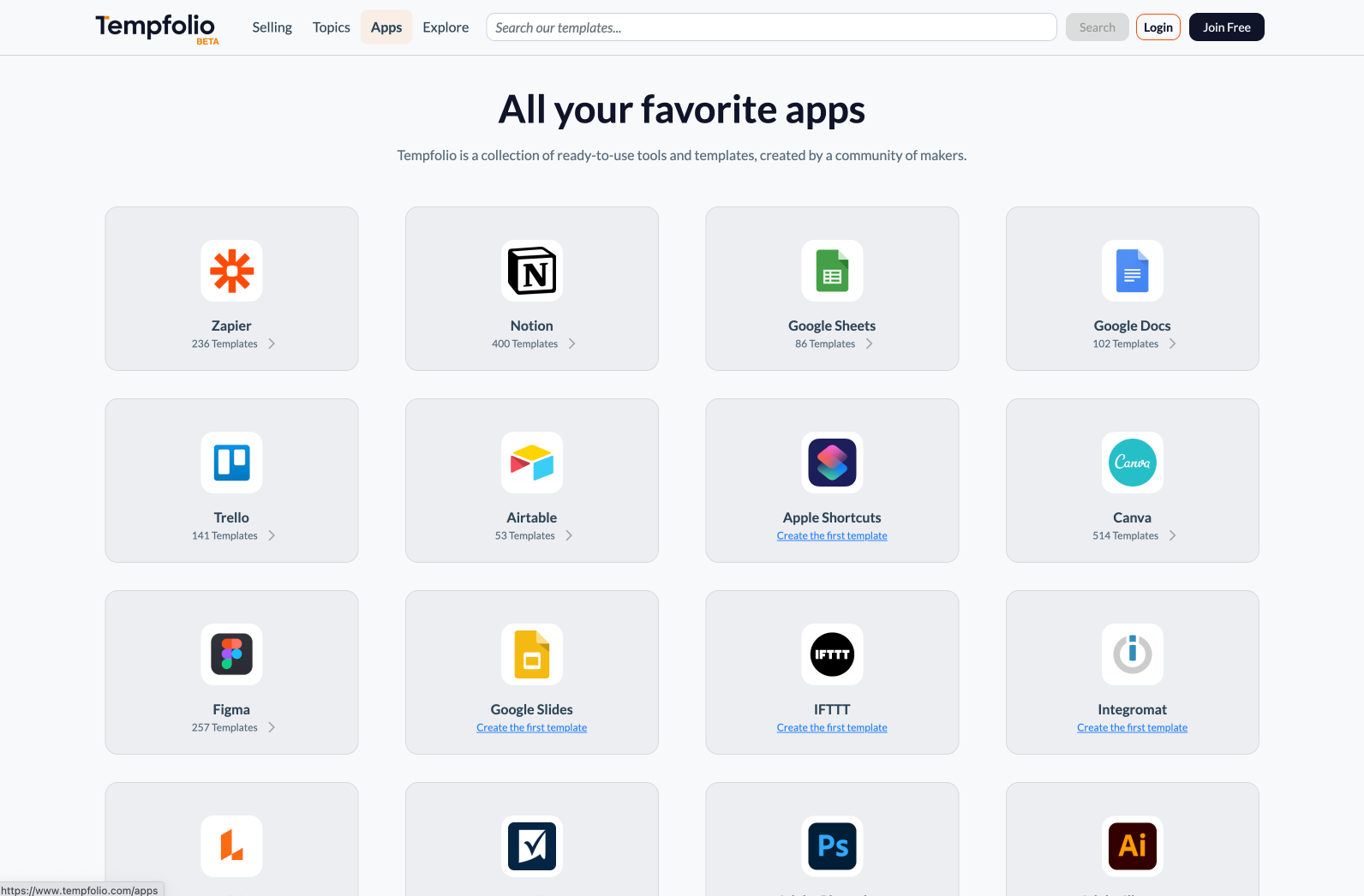
2. Go to the Selling page and hit Start Selling
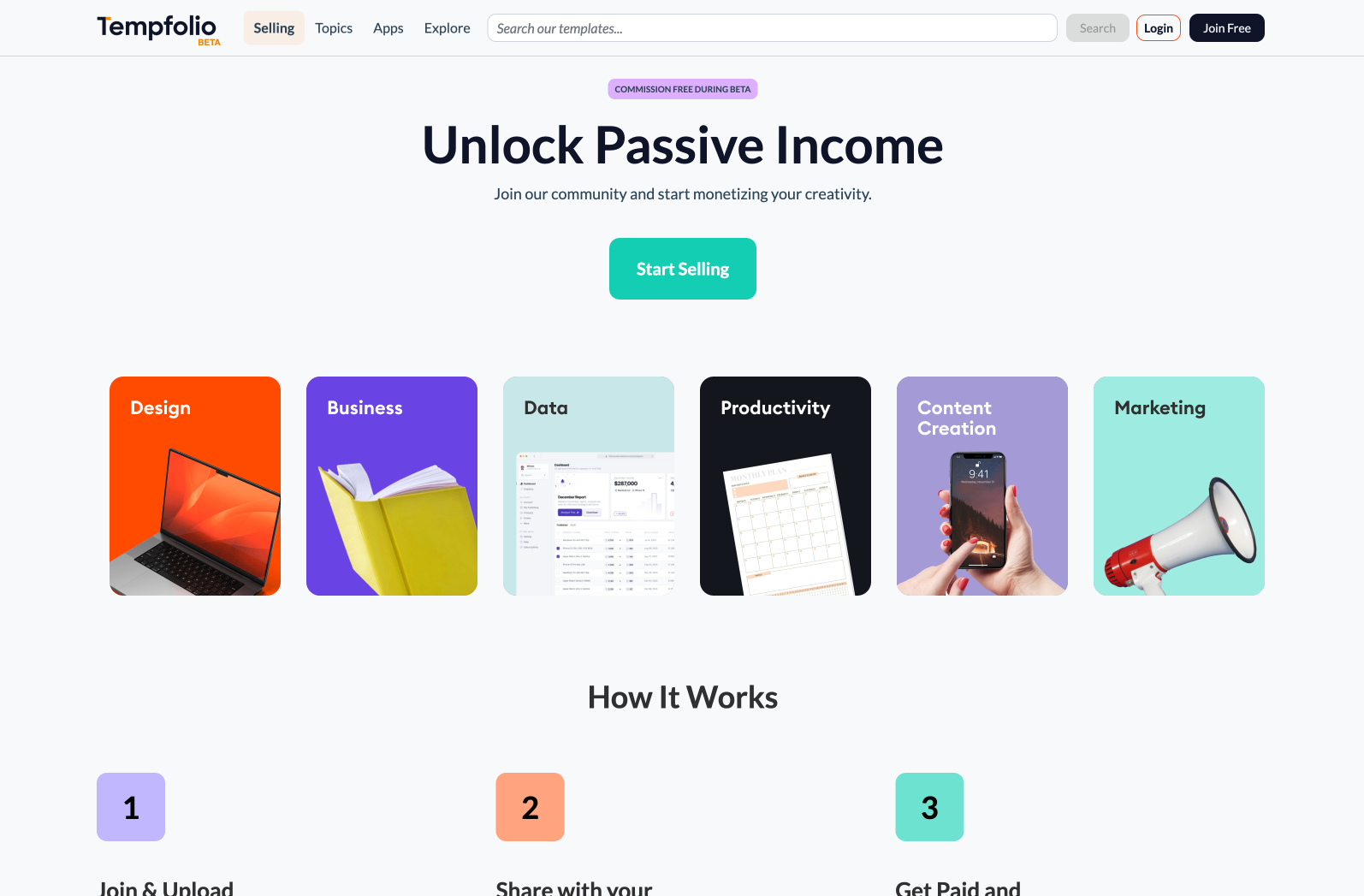
3. Setup your profile and connect your Stripe account
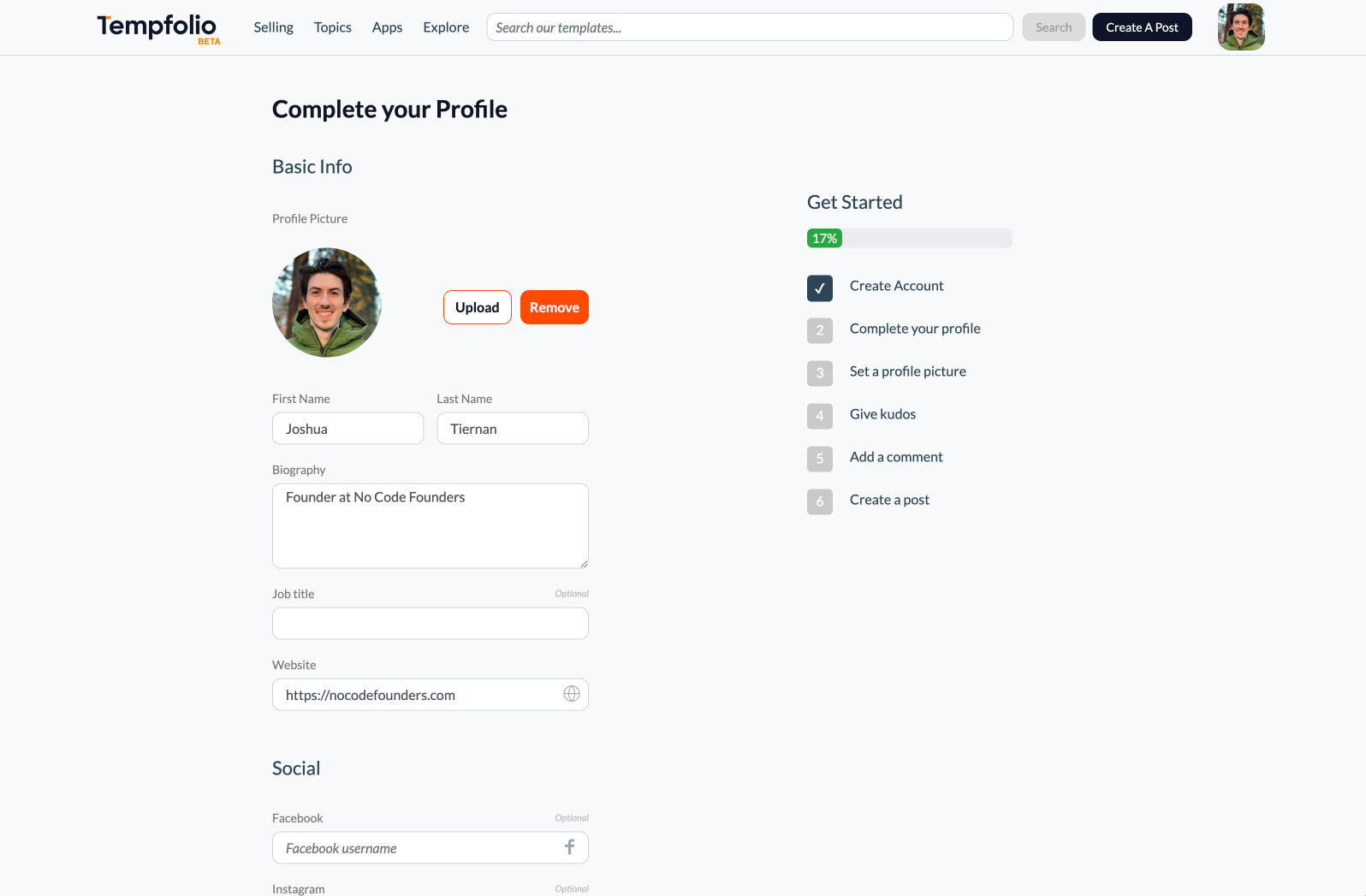
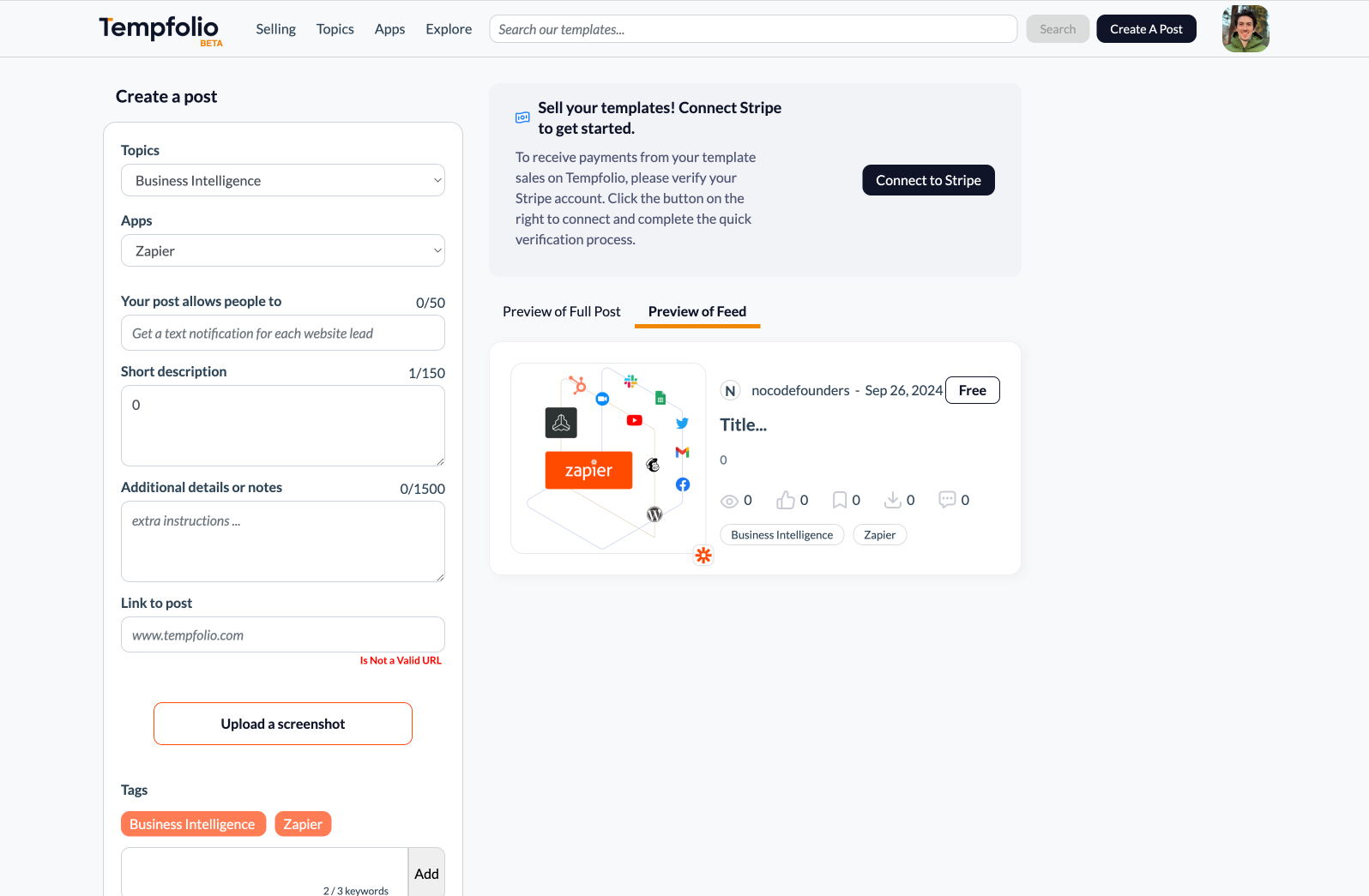
4. Add your template details
-
Choose which app your template is for
-
Add template details and description
-
Link to your template
-
Upload a screenshot
-
Add a price
-
Click create
5. Review your listing
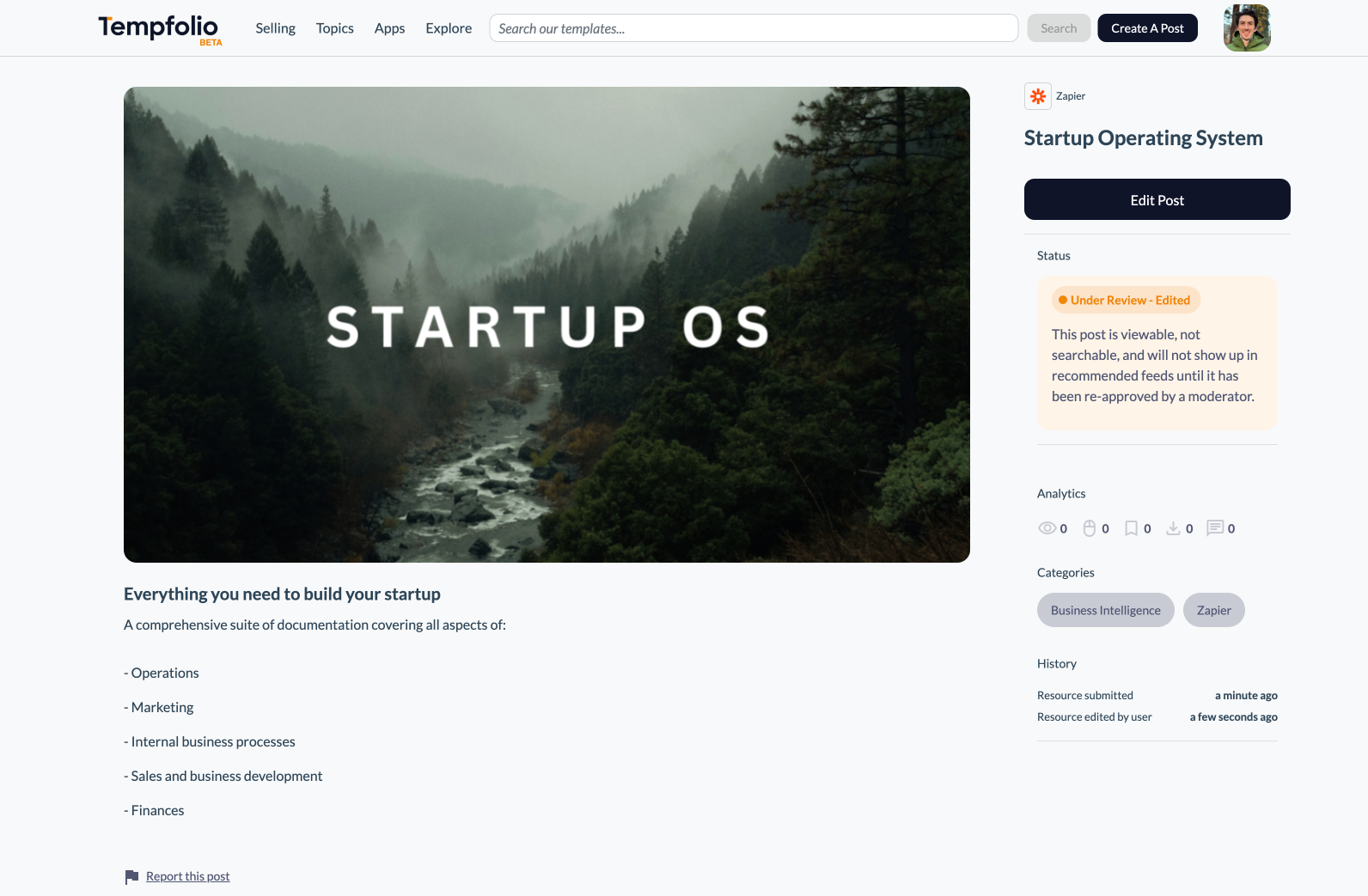
Your template product page is then created and you can review the details and make any edits if necessary. Your product page won’t go live until it is reviewed by the Tempfolio team.
Some popular templates which have been added so far include:
The Pink Ribbon Day Presentation
Get Things Done: Aesthetic Productivity Dashboard
Notion Meal Planner Template with Recipe Generator
As well as a product page, you also have a seller profile where all your templates are listed. This means you can use your Tempfolio profile as a landing page for all your template sales, rather than having to link to each page separately.
Once you have created products, you can then interact with the Tempfolio community by liking and commenting on other templates that you’re interested in. As well as adding value to the community, you can increase awareness of your own seller profile.
If you would like to create a free Tempfolio account, you can do that here.
Related guides
6 best places to sell your Notion templates
The Notion template market is booming, with creators earning substantial income from their digital assets.
The MVP Checklist That Prevents Overbuilding
A practical checklist to help you ship your minimum viable product without getting stuck in scope creep
 Notion