GPT-6.1 Sol vs Claude Sonnet 5.5: which model for your builds

Two cheaper frontier models landed within a week of each other. Anthropic shipped Claude Sonnet 5.5 on September 28. OpenAI followed at DevDay with GPT-6.1 Sol.
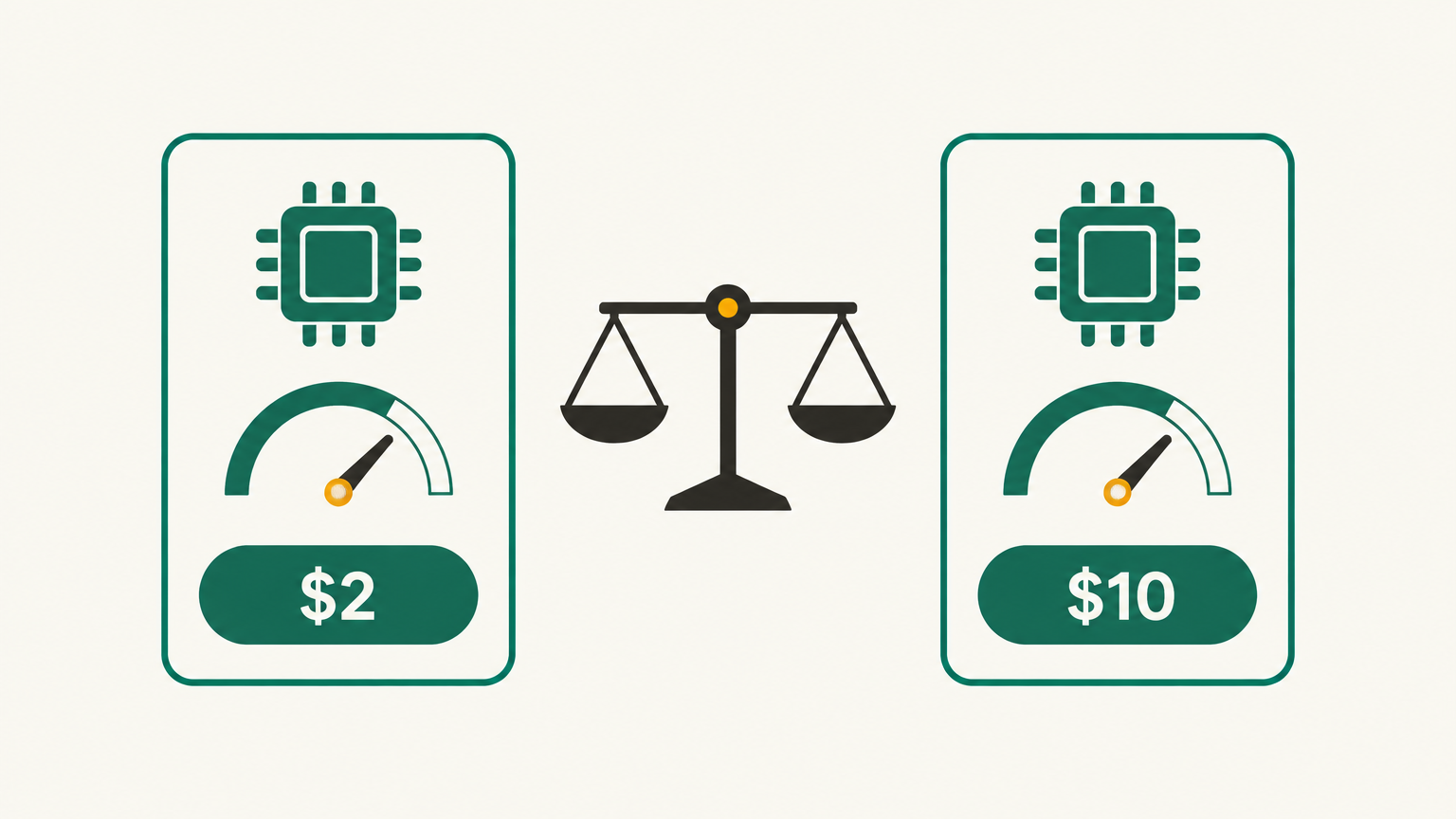
On paper they look almost identical. Both cost $2 per million input tokens and $10 per million output tokens. Both read about a million tokens of context. Both are pitched as the model you use for everyday work, with the flagship saved for the hard stuff.
So the question for most builders isn't which one is smarter. It's which one fits the way you work, and whether it's worth switching the automations you already have running.
What actually changed
The headline is price. A year ago, frontier-level output came at frontier-level cost, and anything that ran in a loop (an agent, a Make scenario that fires on every new lead, a support bot) got expensive fast. Both of these models bring that cost down without a big drop in quality.
OpenAI says GPT-6.1 Sol gets close to its flagship, GPT-6 Astra, at a fifth of Astra's token price. It's tuned for agentic coding, computer use and professional work.
Anthropic says Sonnet 5.5 runs about 30% faster than Sonnet 5 and costs up to 30% less on typical workloads. It's positioned as the everyday partner to Opus 5.5, strong at coding, well-defined agent tasks, design work like UI polish and diagrams, and documents and slides.
Where they differ
The sticker prices match, but the bills won't always.
Long prompts. GPT-6.1 Sol charges more once a request goes past roughly 272,000 tokens: double for input and one and a half times for output. Sonnet 5.5 keeps the same rate across its whole context window. If you paste entire codebases, long transcripts or big exports into a single prompt, Sonnet will usually be cheaper.
Repeated context. Sol's cached input is $0.10 per million tokens, half of Sonnet's cached rate. If your agent sends the same long instructions or knowledge base on every call, caching does a lot of the work, and Sol comes out ahead.
How they behave. In DataCamp's side-by-side build test, Sol was the stricter of the two. It checked inputs and refused a bad one where Sonnet flagged the problem and carried on. Sonnet finished faster, with fewer steps and tool calls. Neither is wrong. One is the careful contractor, the other is the quick one.
Which one to pick
Use GPT-6.1 Sol when:
- You're running an agent that sends the same system prompt or reference docs over and over, so caching saves you real money
- The job needs strict handling of bad inputs, like data cleanup or anything that writes to a live database
- You already live in ChatGPT, where Sol is available on the paid plans
Use Claude Sonnet 5.5 when:
- Your prompts are long, such as a full transcript, a big CSV or a whole repo
- You care about speed and iteration, like building a page and tweaking it ten times
- The output is visual or document-shaped: UI copy, diagrams, slides, reports
If you can't decide, run the same real task through both. Not a benchmark, an actual job from your week. Twenty minutes of testing will tell you more than any comparison chart.
How to switch without breaking things
Most no-code builders touch these models in one of three places.
In the chat apps. Pick the model from the model selector in ChatGPT or Claude. Nothing else to do.
In automation tools. If you call the OpenAI or Anthropic API from Make, n8n or Zapier, the model is usually a dropdown or a text field in the AI step. Duplicate the scenario, change the model on the copy, and run both on the same inputs for a few days before you retire the old one. Prompts don't always transfer cleanly, so check outputs that feed other steps, like JSON that a later module parses.
In app builders. Tools that let you choose the underlying model will add new ones on their own schedule. If you don't see them yet, it's the tool, not your account.
One habit worth keeping: when you swap the model, change nothing else that day. If the output gets worse, you'll know why.
The bigger point
Six months ago, the advice was to use the cheap model for simple tasks and the expensive one for anything that mattered. That line has moved. For most of what no-code founders build, including support bots, lead enrichment, content drafts and internal tools, the everyday model is now good enough to be the only model.
That changes the math on ideas you shelved because the API bill looked scary. It's worth pulling one back out and pricing it again.
Related guides
Jev explained simply: when to use it instead of ChatGPT
A plain-English guide to Jev, TypeSafe's new decision model: what it does, the jobs it handles better than an LLM, real examples from the first two weeks, and how to add it to a no-code workflow.
Stop using humans to run your Google Ads
A practical eight-step guide to setting up Betatron, the AI agent that builds and runs Google Ads campaigns inside your own account.
Buzz: The No Code Founders Guide
Block released Buzz on July 21, 2026. It's free, open source, and runs on Mac, Windows, and Linux. Here's what no-code founders need to know.