Buzz: The No Code Founders Guide

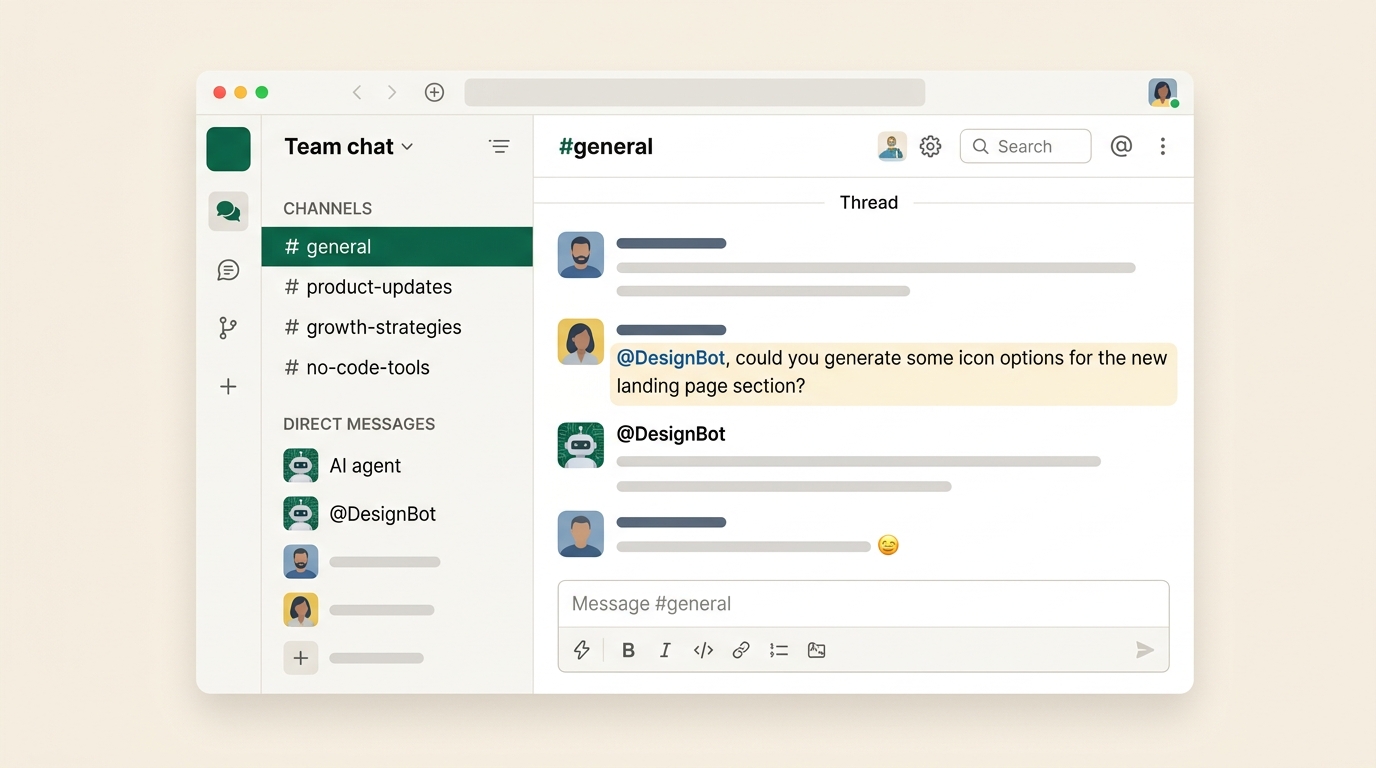
Block released Buzz on July 21, 2026. It's free, open source, and runs on Mac, Windows, and Linux. On the surface it looks like Slack. Channels, threads, DMs, voice, file sharing. The difference sits underneath: AI agents are members of the workspace with their own identity and permissions, so you talk to them the way you talk to a teammate.
It also ships git hosting, which means Block is taking a swing at GitHub in the same app.
People are calling it a Slack killer. That's the wrong reason to look at it. The reason to look at it is that it solves the context problem most of us have been living with for two years.
The problem it actually solves
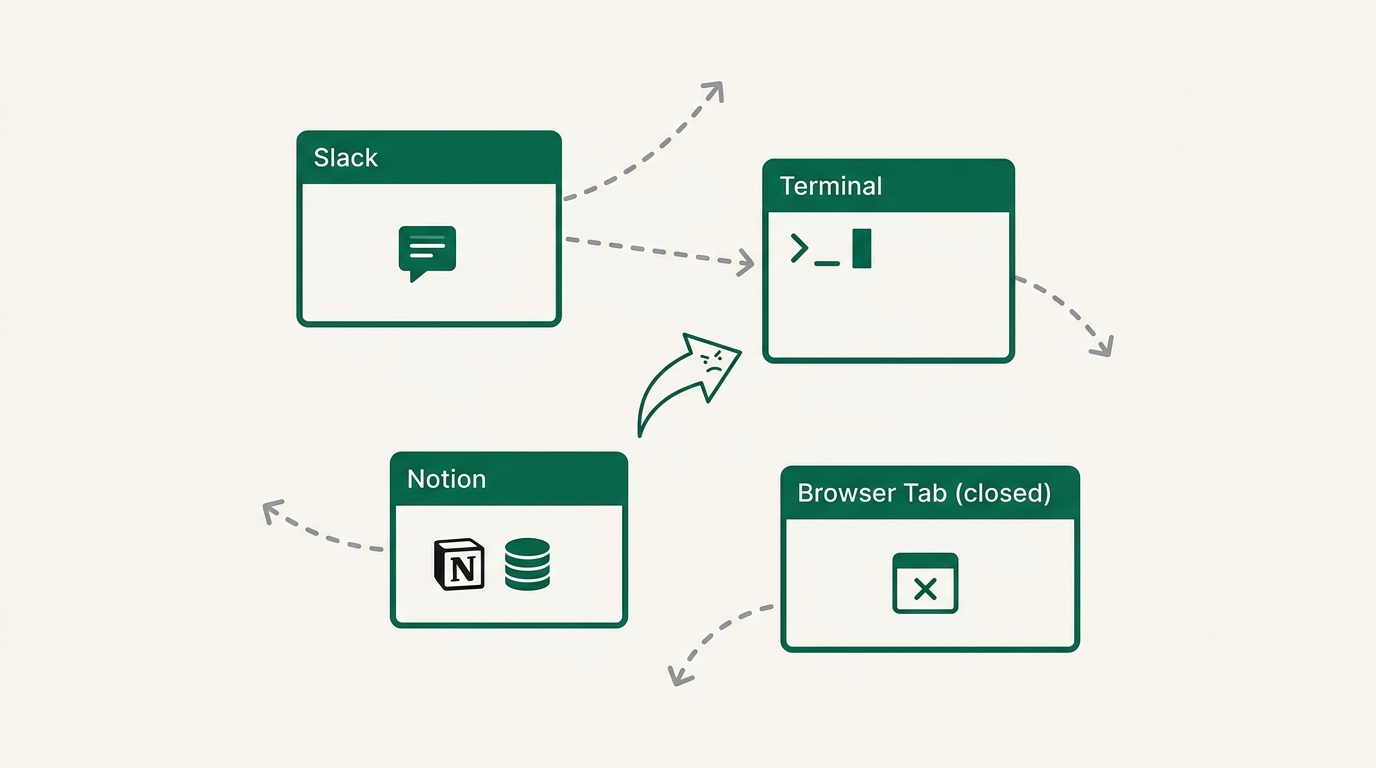
Your ideas live in Slack. Your prompts live in a terminal. Half a plan sits in a browser tab you already closed. Your notes are in Notion. Every time you switch models or tools, you rebuild all of that by hand, copy and paste, one export at a time.
In Buzz the conversation and the agents share the same room. You discuss something with a collaborator in a channel, then tag an agent in the same channel and it works from what's already there. No re-briefing.
Setup, and the bill that catches people out
Download the desktop app and connect to a relay. The relay is the server holding your messages, history, and repos. Block hosts one for free, or you can run your own. That's the self-hosting part everyone keeps mentioning.
Then set up agents. Each one has instructions, which is a system prompt, and a harness underneath. The harness is the coding agent doing the work: Claude Code, Codex, goose, Open Code.
Pick a harness and Buzz uses the CLI you already log into, so your existing subscription covers the usage. Pick Anthropic or OpenAI as a raw provider instead and Buzz asks for an API key, which a Pro or Plus plan does not cover. Same company, same models, two very different bills. Several early users found this out mid-setup. Choose the harness unless you have a specific reason not to.
Swapping models without starting over
The harness is swappable per agent. You can move an agent from Claude Code to Codex to goose, and the chat history stays with the agent. Everything you've been working on in that channel comes along.
That's the feature to pay attention to. Model fatigue is real. Something new lands every fortnight, you finally get comfortable with one setup, and the pressure to switch starts again. Buzz sits a layer above that fight.
If you already use skills with Claude Code, they carry over too, as long as they're installed globally rather than inside a single project folder.
Agents that ship, not just chat
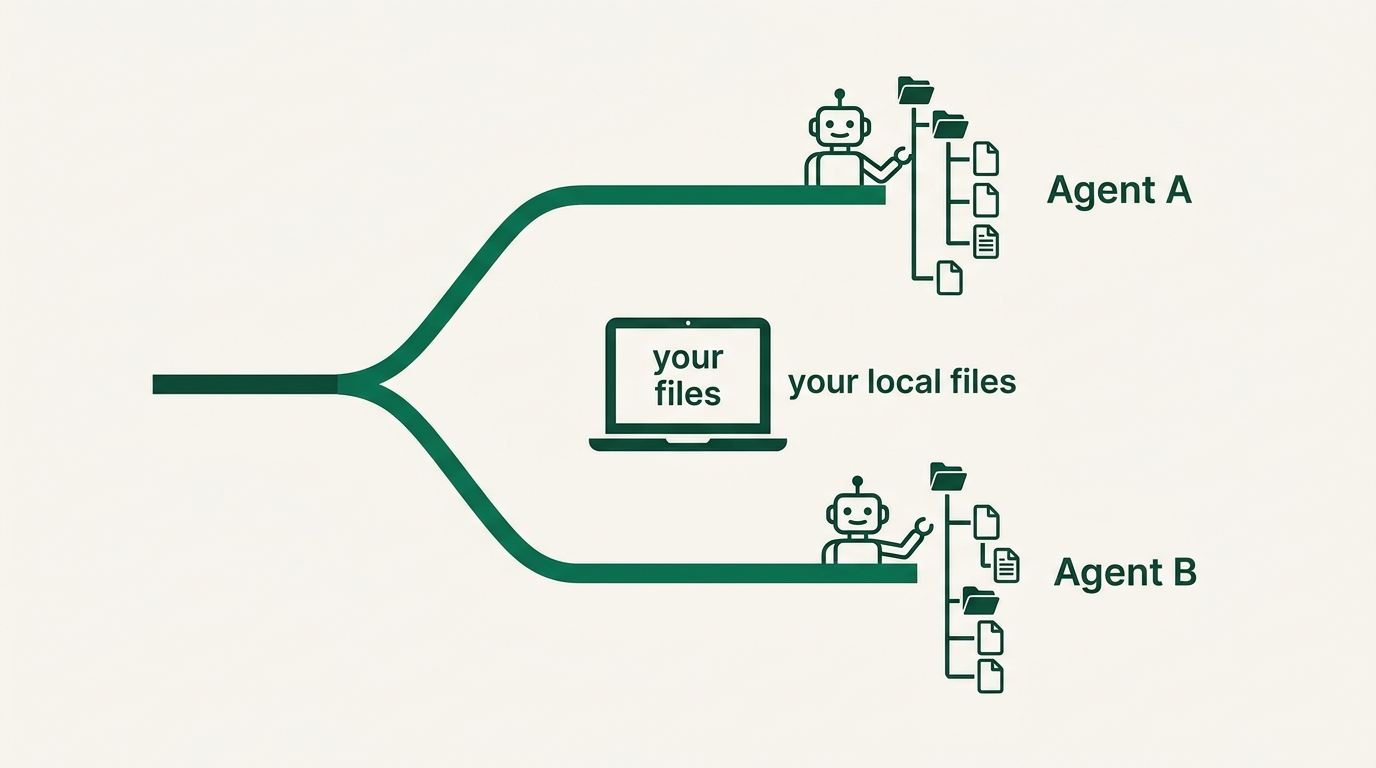
Ask an agent to build something and it creates a branch and works in a parallel worktree, so it isn't touching your local files while you're in them. Two agents can work at once without stepping on each other.
It pushes to remote repos hosted on your relay, and it can deploy. Ask for a small CRM on a stack you name, hosted where you already have an account, and it will build it, put it online, and drop the link and a screenshot back into the channel.
Turn on the projects view in settings to see what your agents are building in one place. Workflows are in there too, though see the caveats below.
Voice huddles
You can huddle with an agent by voice, with the channel's context already loaded. If you think out loud and find typing to an agent slow and turn-based, this is the closest thing yet to working through a problem with someone.
Shared compute
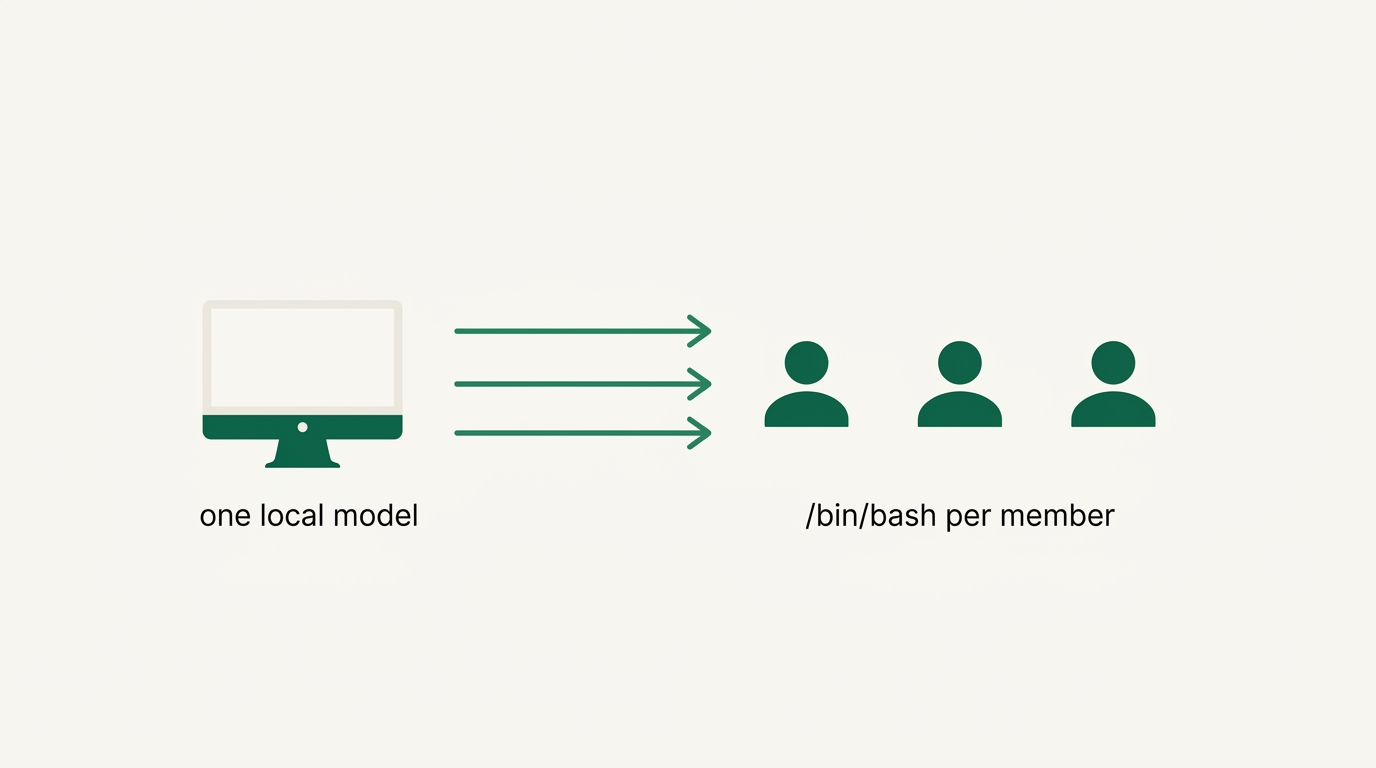
There's a compute setting that suggests local models you can run on your own machine and share with the rest of your workspace. One decent Mac in the corner can serve a small team, and nobody needs a $200 plan to join in. For a couple of founders splitting costs before revenue, that's a real option.
Four ways to use it that have nothing to do with coding
Proposals from meeting notes. Drop your Granola transcript into a channel, discuss the angle with your collaborator, then have an agent generate the proposal from that conversation. The client context and your judgment are already in the room.
A dashboard that reports back to you. Have an agent build a small app that tracks whatever you care about, then expose an API and have the agent post the numbers into a channel on a schedule. Now you can reply to your own metrics and ask what the top performers have in common, and the answer comes from data rather than vibes.
Community requests that turn into fixes. Channels can be public or private, so you can invite users into one channel and keep your team in another while the agents see both. Someone reports a bug, you tag an agent in the thread, and a prototype fix exists before the conversation ends.
An agent that assigns the work. Once you have a copywriter agent, a reviewer, and a researcher, you'll forget who does what. Make one agent whose only job is deciding which of the others should take a task.
What doesn't work yet
It's early. The version numbers are still low and it shows.
Workflows and recurring tasks are flaky. Everything routes through your relay, so it feels slower than working directly in a CLI. Serious engineering work is still better in your normal setup.
There's a privacy note worth reading properly. On Block-hosted relays, messages and media are not end to end encrypted, and your agent provider receives prompts along with the channel content that goes with them. Self-host if that matters for your business or your clients.
Should you drop Slack
Probably not this month. Run one project in it instead.
The bigger argument for trying it is control. Your chat history is a real asset now, because it's the context your agents run on. Slack owns theirs and getting it out is painful. Buzz stores yours as signed events on a relay you can host, and the same portability applies to the models you run.
You lose nothing by spending an afternoon in it. Either you find your next default tool, or you come back to Slack knowing exactly how you want to configure it.
Try this week
- Install Buzz and connect to the free hosted relay.
- Set up two agents, one on a strong model for building and one on a cheaper model for routine work. Pin the harness, not the raw provider.
- Give one of them a real job: a landing page variant, an internal tool, a dashboard you've been putting off.
- Invite one collaborator into the channel and see whether the shared context changes how you work together.
Related guides
GPT-6.1 Sol vs Claude Sonnet 5.5: which model for your builds
Two cheap frontier models landed within a week. Here is where each one wins, and how to switch without breaking your automations.
Jev explained simply: when to use it instead of ChatGPT
A plain-English guide to Jev, TypeSafe's new decision model: what it does, the jobs it handles better than an LLM, real examples from the first two weeks, and how to add it to a no-code workflow.
Stop using humans to run your Google Ads
A practical eight-step guide to setting up Betatron, the AI agent that builds and runs Google Ads campaigns inside your own account.