 Usercentrics
How to Set Up a Cookie Banner on Any Website in Under 5 Minutes with Usercentrics Cookiebot
-
Create a free account at http://www.cookiebot.com/
-
You'll immediately be prompted to enter your website domain. Enter your website URL to start the onboarding process. Cookiebot CMP will automatically scan your site to detect all cookies and tracking technologies in use.
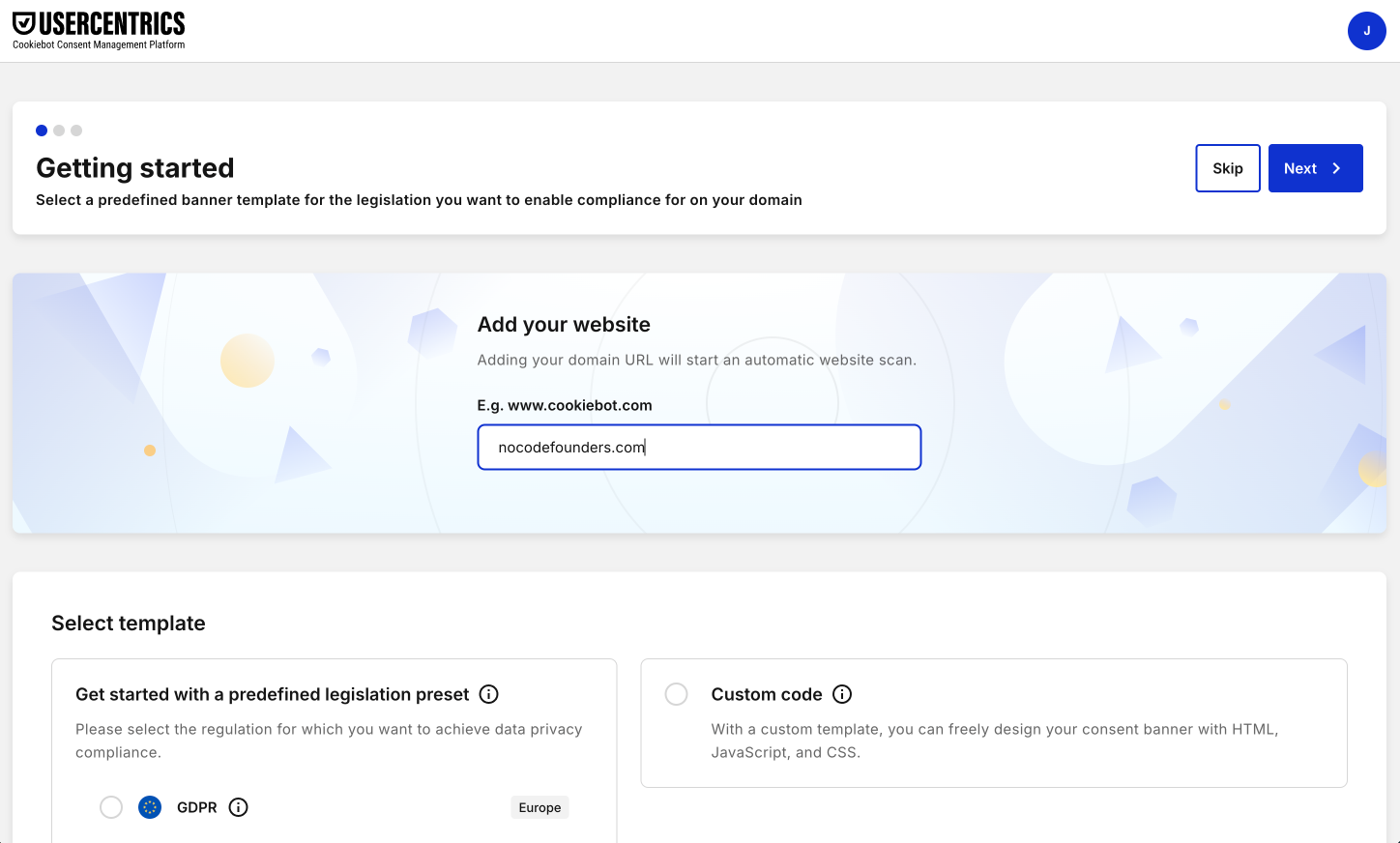
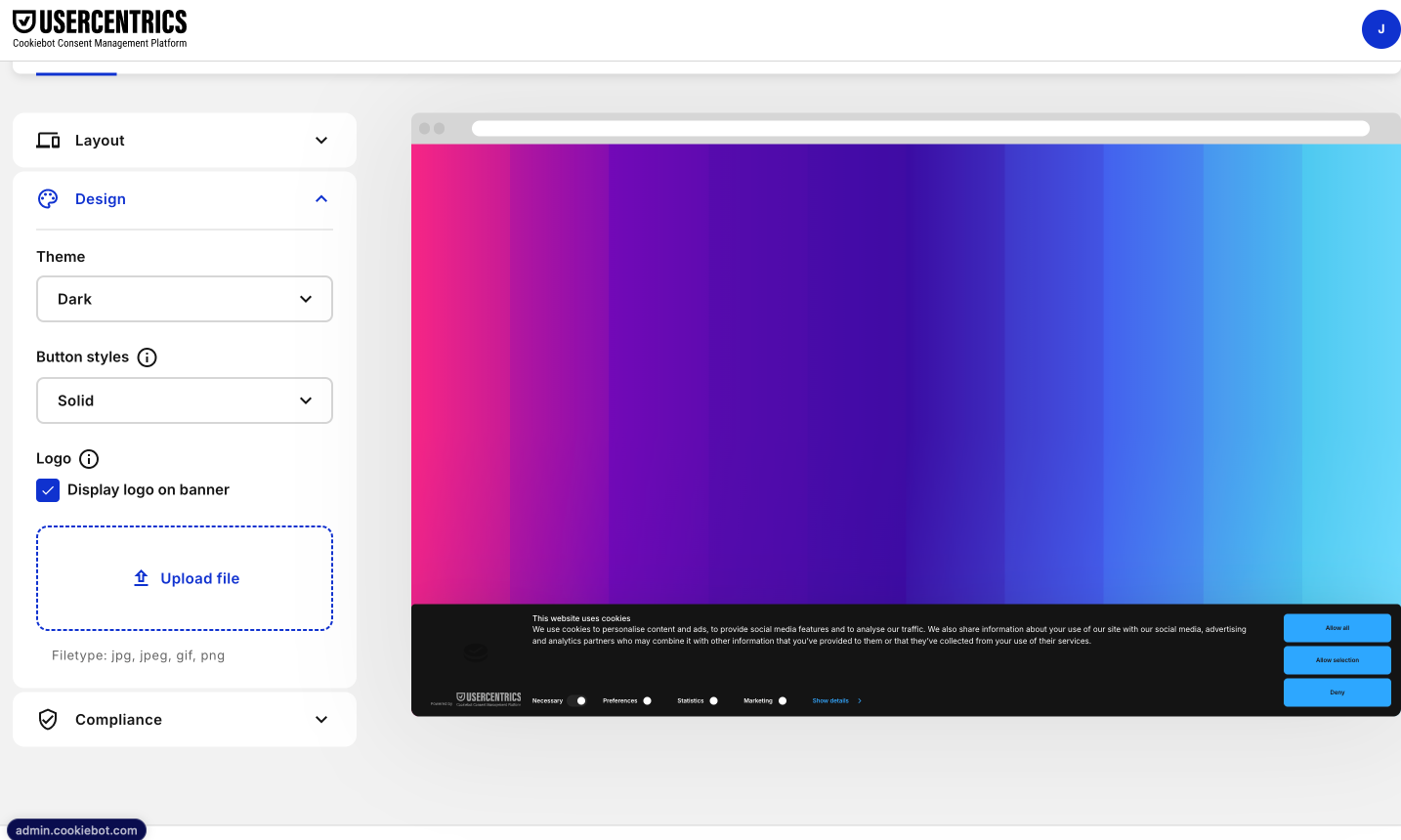
- Next up, you have the option to configure your cookie banner options including:
-
Type: Dialog box or Bar
-
Position: Top or Bottom
-
Display: Dark or Light
-
Compliance options
-
Edit text
-
Other design and animation options
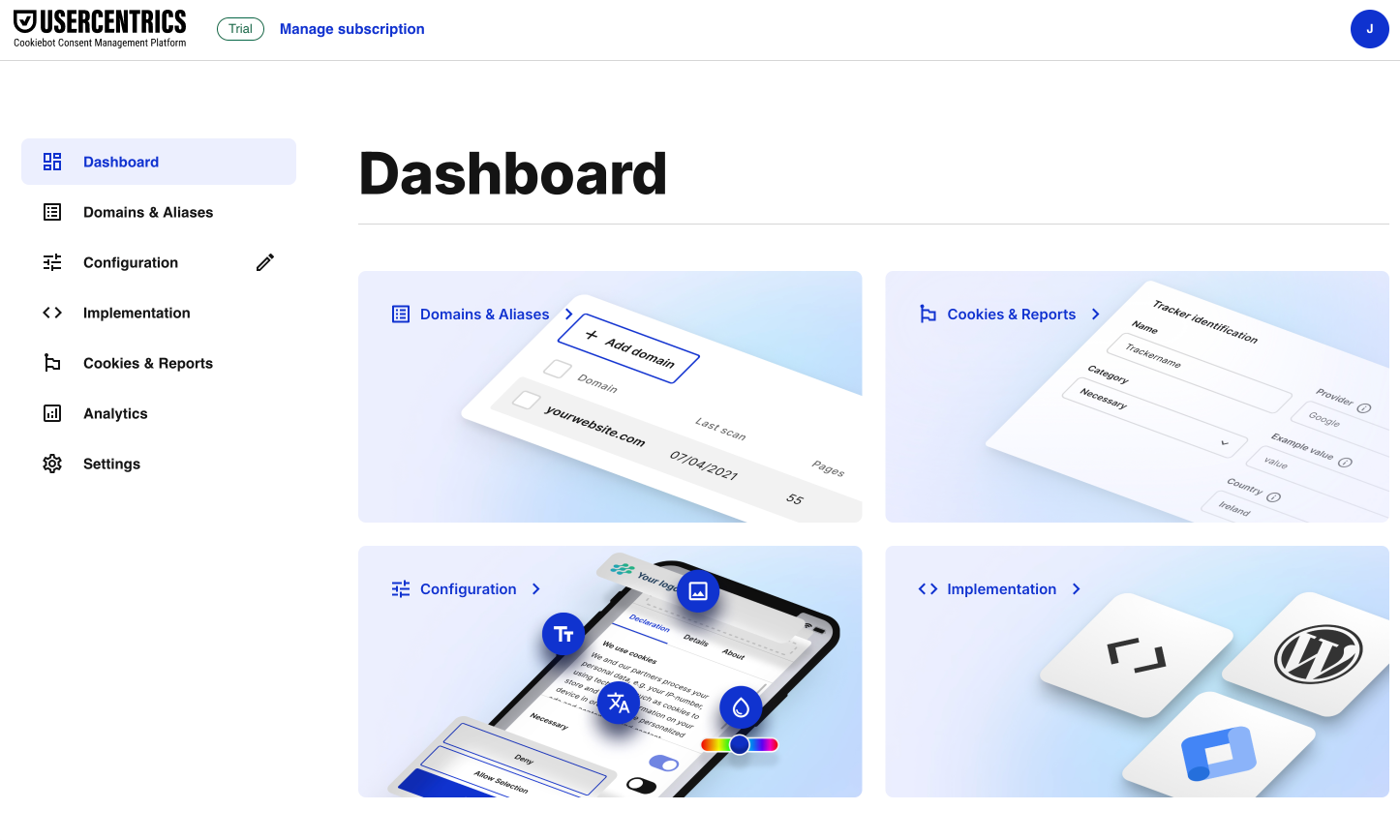
- Once onboarding is complete, you'll see an overview of your website in the Cookiebot dashboard, including:
-
Total number of pages scanned
-
Cookies and trackers found, sorted by category
-
Cookie declaration for your privacy policy
-
Consent banner status and configuration
-
Implementation options and guides
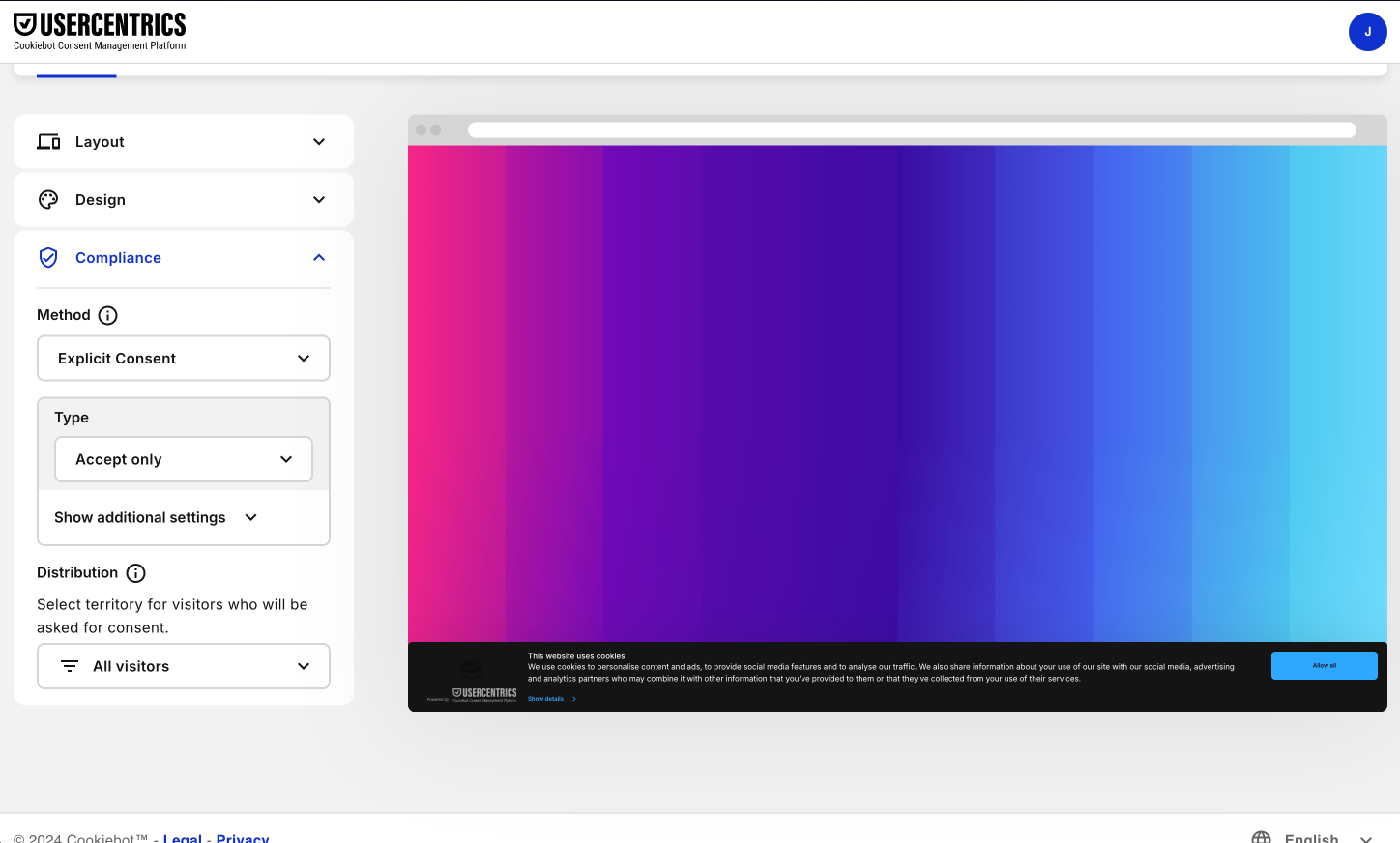
- You can configure your consent banner again at any point including the layout, design, legislation settings, banner text, and more to match your brand and compliance needs. Set the consent banner to automatically adapt to visitor geolocation. Configure "Do Not Sell" links required by CCPA. Utilize Legislation presets such as GDPR or create your own. Enable autoblocking to prevent cookies from firing before consent is obtained.
- Now you're ready to add your cookie banner to your site. Choose your implementation method that best suits your site. Cookiebot CMP provides multiple options for implementing the cookie banner script on your website:
-
Wordpress plugin
-
Google Tag Manager
-
Shopify app
-
Magento extension
-
Embed script code snippet
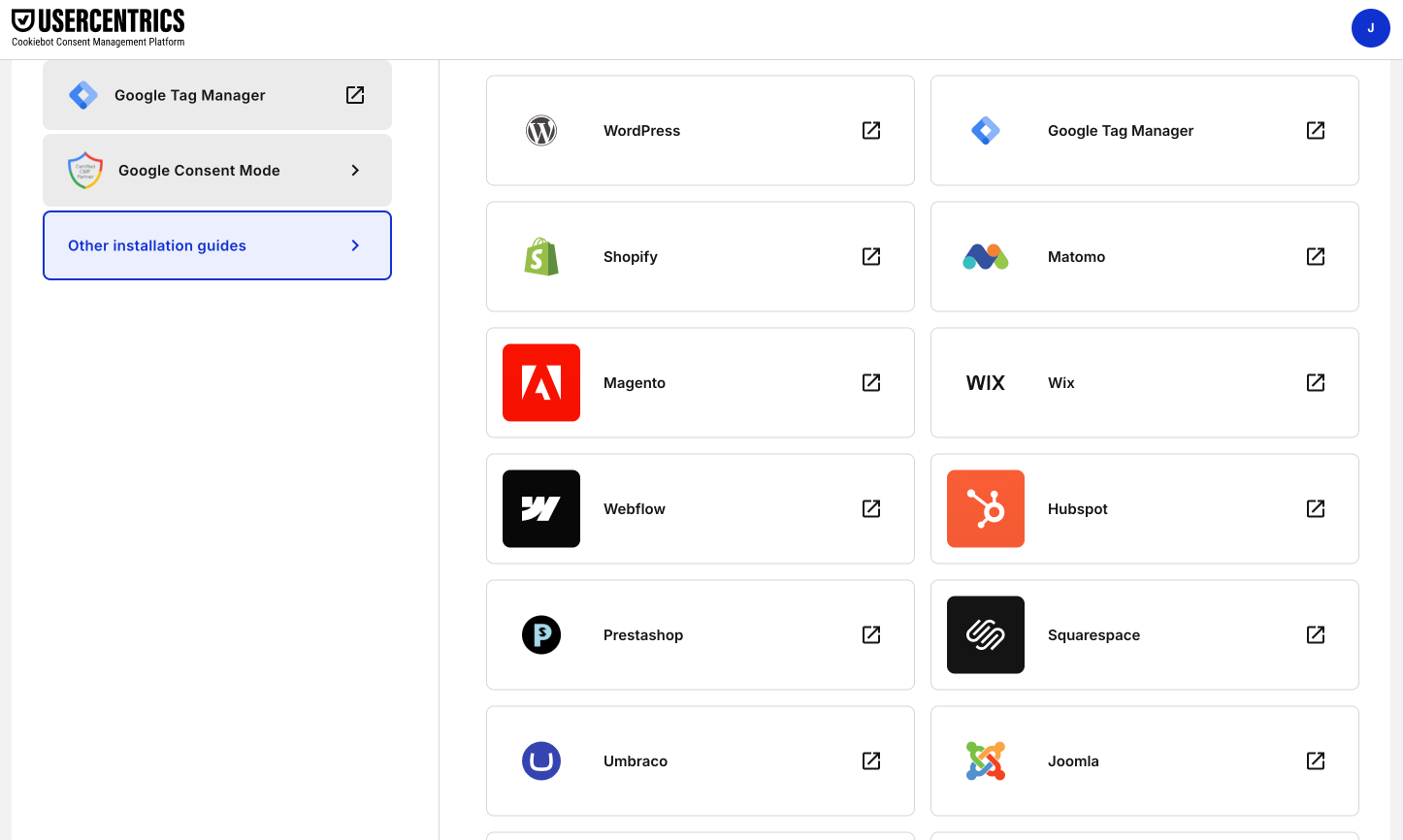
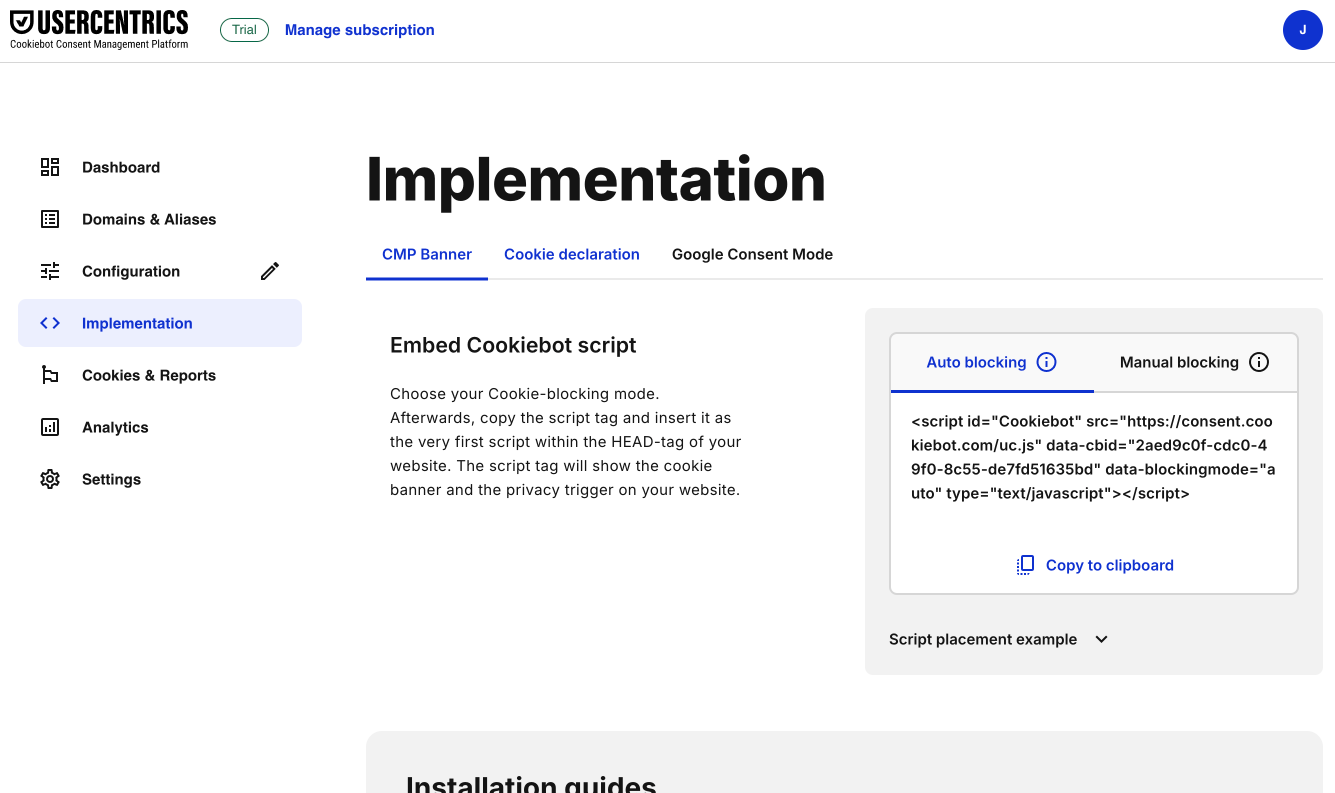
- For this guide, we'll use the Embed script code snippet which we can copy to our clipboard and then paste into the html header on our site.
-
Navigate to the "Your scripts" tab
-
Copy the "Cookiebot CMP" script
-
Paste it into the <head> section of your website
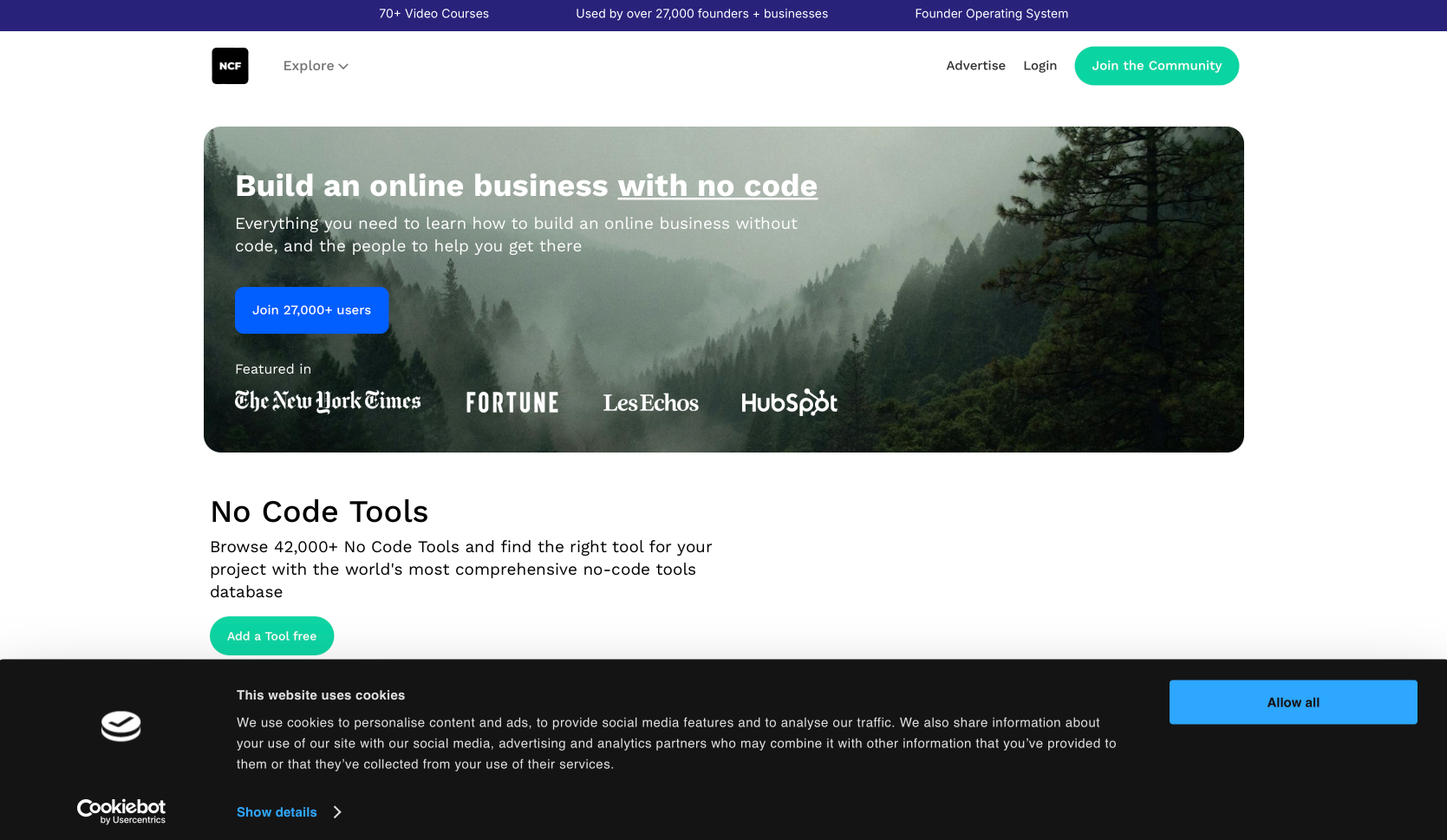
- Cookie consent banner is now live! Without any coding, your Cookiebot cookie banner is now live on your site, enabling you to obtain valid user consent which is optimally compliant.
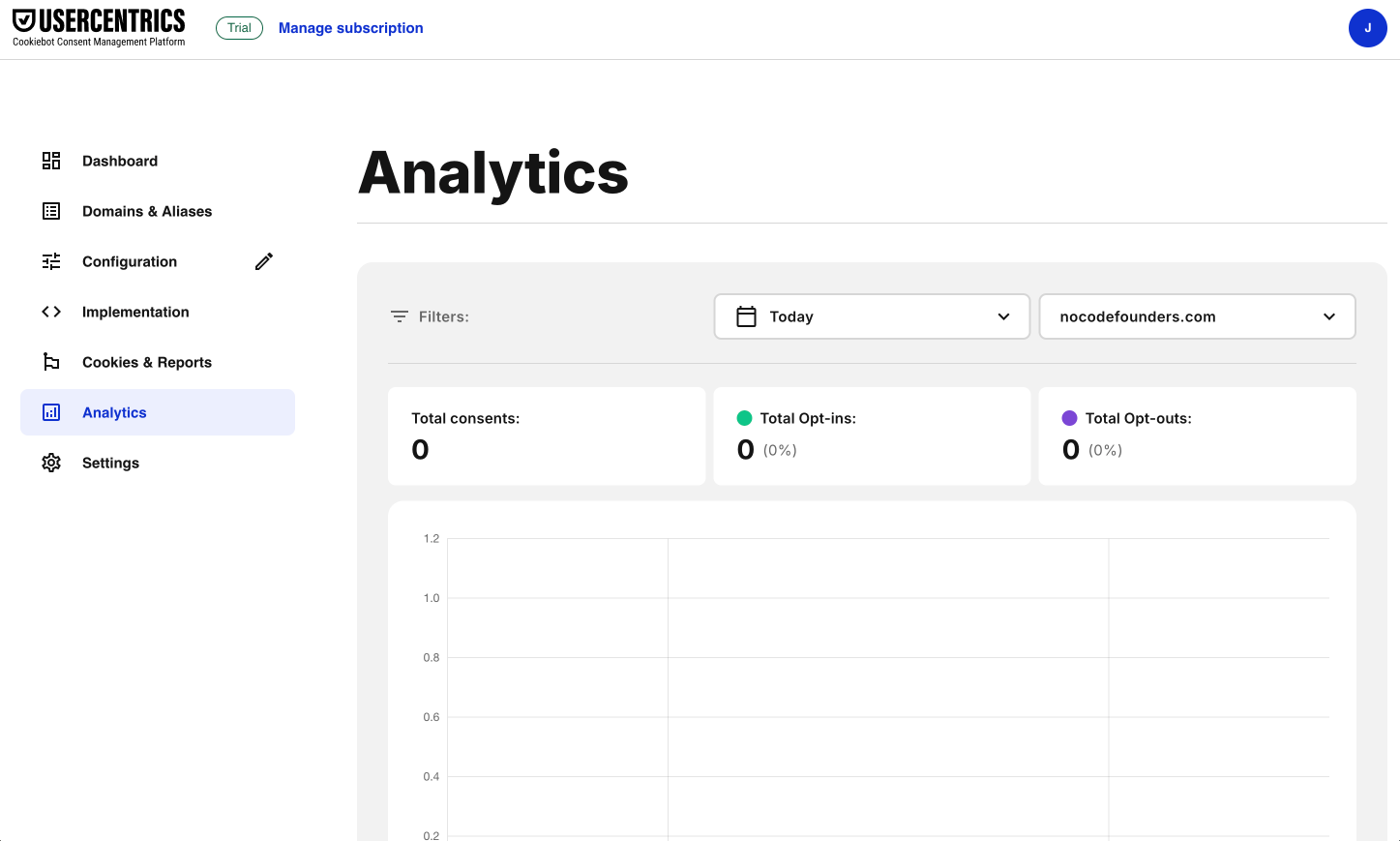
- You can revisit the Cookiebot CMP dashboard at any time to view consent analytics, change banner configurations, or leverage other compliance features.
To wrap up, Usercentrics Cookiebot enables any size website to achieve cookie compliance quickly and easily. By automating key compliance tasks with an intuitive Consent Management Platform, you can focus on your core business with peace of mind. Cookiebot is free to use or you can get a free 14-day trial here.
Related guides
GPT-6.1 Sol vs Claude Sonnet 5.5: which model for your builds
Two cheap frontier models landed within a week. Here is where each one wins, and how to switch without breaking your automations.
Jev explained simply: when to use it instead of ChatGPT
A plain-English guide to Jev, TypeSafe's new decision model: what it does, the jobs it handles better than an LLM, real examples from the first two weeks, and how to add it to a no-code workflow.
Stop using humans to run your Google Ads
A practical eight-step guide to setting up Betatron, the AI agent that builds and runs Google Ads campaigns inside your own account.